A corrective action is a whole template, not a text box.
It carries its own items — a photo of the repaired guard, a re-reading, a signature. Proof, not an assertion.
Every check is built around the way you already run it — the conditions, the thresholds, the order things happen in. Your crew runs it on a phone, with the photos, signatures and timestamps attached.

Used across construction, manufacturing, agriculture and industrial operations.
Early access is open — tell us what you run and we'll be in touch.
The next one can wait until you feel like it — nothing has to move across before this is useful, and anyone can fill one in the first time they see it.
You've replaced a clipboard.
One place to look, and one set of permissions.
Everything your operation runs, on record — and you never rolled anything out.
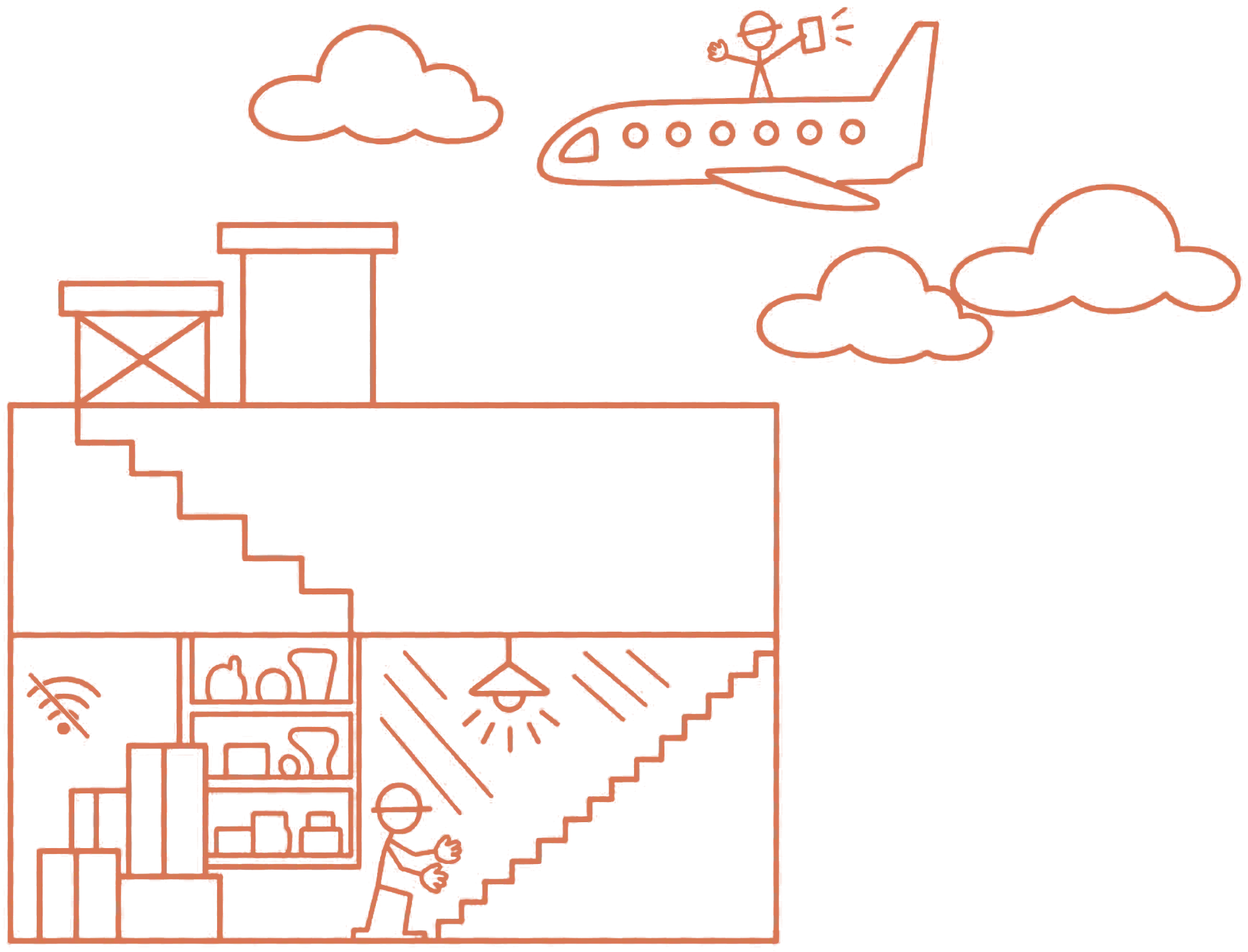
Your crew will fill a check in on the spot when the app doesn't fight them. Most apps do — they want signal, or they ask for the site name a third time, or they freeze on a progress bar. So we took those reasons away.
Start it, work through it, submit it — in a basement, a tank, or forty miles from the nearest tower. It syncs itself when the phone finds a connection. Nobody has to think about it.
A two-hundred-item audit doesn't keep anyone waiting on a spinner. The phone goes back in the pocket and the work carries on.
Especially in gloves. High resolution, attached to the exact item, timestamped where it was taken.
iPhone, Android, any tablet, or just a browser. Including the Windows tablets already on your floor.
Your process isn't a list. It has conditions, thresholds, and things that have to happen before other things are allowed to. All of it is set in the template once — what an answer makes appear, what gets raised when something fails, what has to be filled in alongside it, and who it goes to. Nobody in the field decides any of that on the day.
The inspector answers honestly.
The item turns red. A photo and a description become required before the check will move on.
Four items appear that weren't there a second ago — the ones that only matter while combustibles are still present.
Nothing downstream unlocks.
That permit came back as Not issued — not as 87%. Because 87% wouldn't have told you the fire watch was missing, and Not issued tells the crew they can't start.
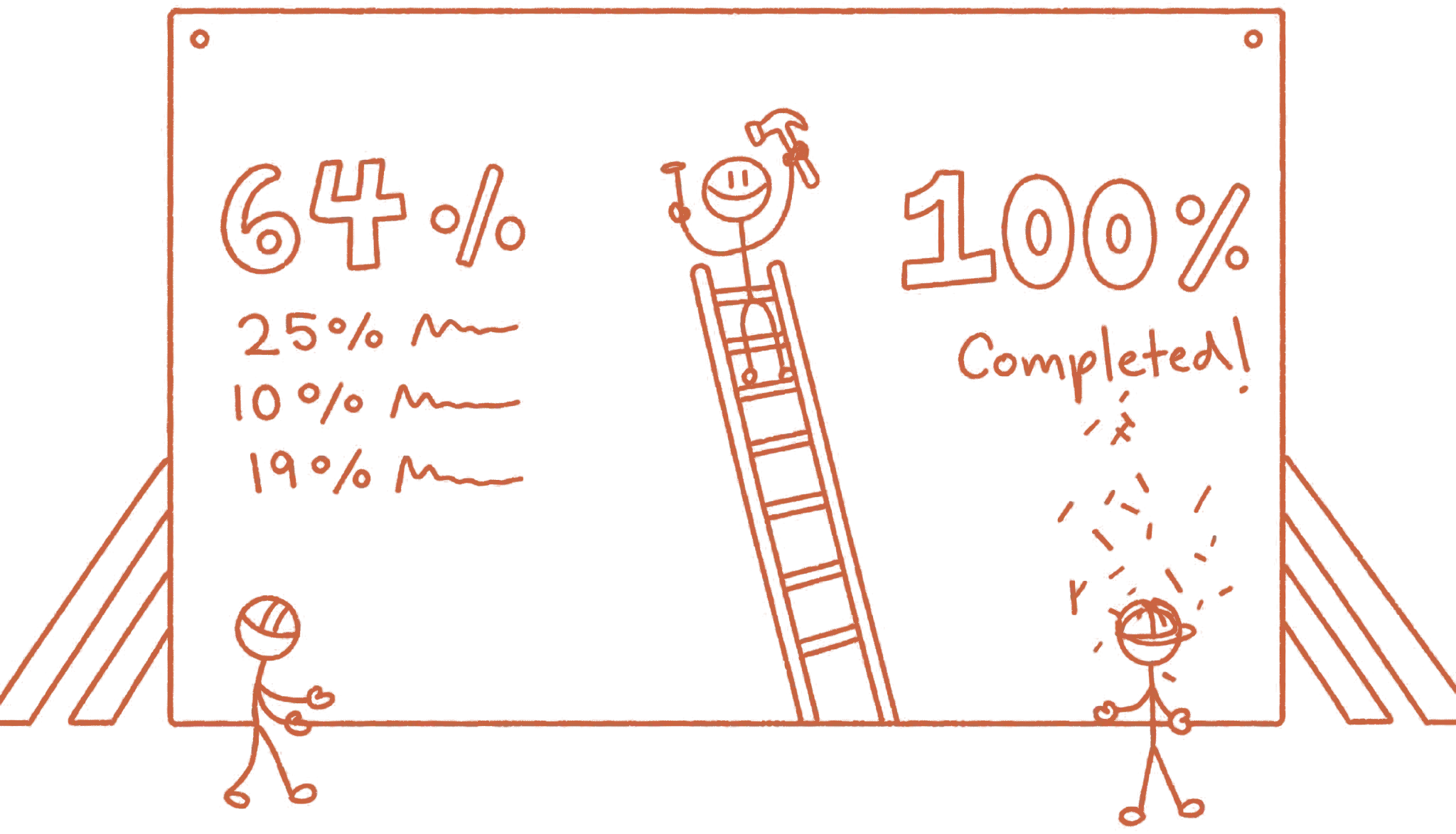
A missing extinguisher tag and an unlabelled spray bottle aren't the same finding. Scored the same, a site with one catastrophic gap comes back at 95% and looks fine.
That's how audits work — one critical finding fails the audit regardless of the other hundred and ninety items. A flat percentage can't say that.
You shouldn't have to be the reason the Monday inspection happens. Assigned once, it keeps arriving — at the right site, in front of the right person, on whatever cadence the regulation asks for.
A check assigned to whoever holds the Hot Work Supervisor role at Site B survives someone leaving. One assigned to a single name doesn't.
The same monthly inspection across three sites is three separate records. The forklift pre-op belongs to that forklift, with its own history.
Daily at seven with a two-hour window. Monthly, any time that month. Once, by a due date. Or on demand.
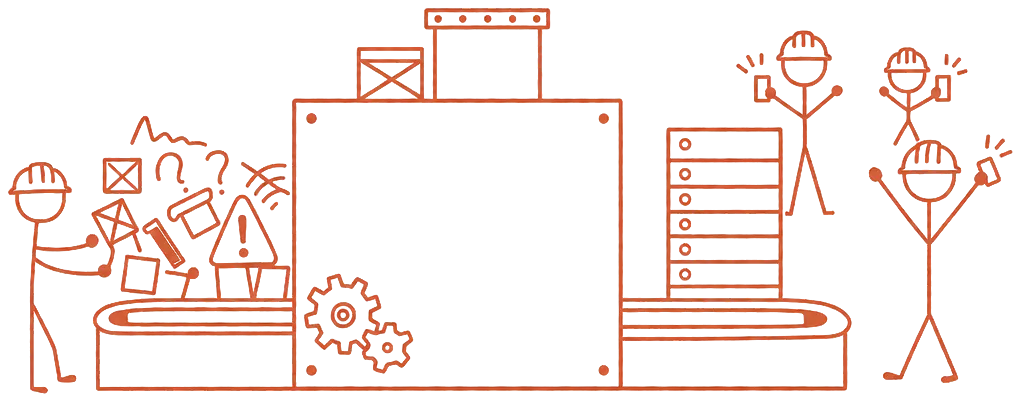
An open finding you wrote down and never closed is worse than never having looked. That's the one that gets cited.
Nothing found in the field ends its life as a note in someone's phone.
It carries its own items — a photo of the repaired guard, a re-reading, a signature. Proof, not an assertion.
By whoever is standing in front of the problem. No admin rights needed; the template already granted the authority.
Whoever receives it sees the photo, the reading, the failed item. Whoever found it sees the fix land.
Every fix links back to the check it came from, the exact item, and who raised it.
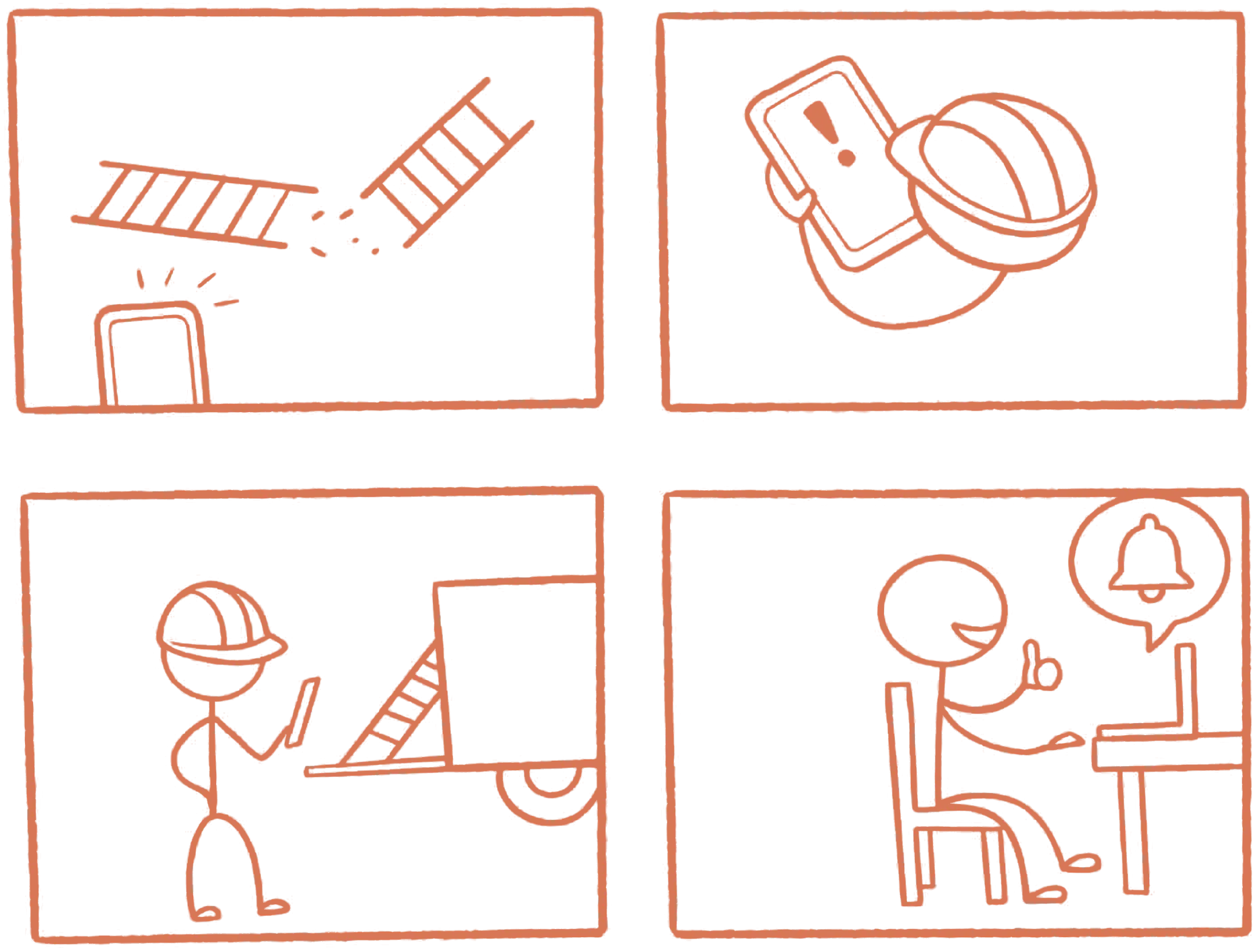
The same finding block 5 produced — raised, assigned, fixed, and closed back to whoever found it.
There's no menu of twelve reports you'll outgrow in a month. You build the question — what you're measuring, how it's grouped, over what period — and save it.
Five shapes, not five reports. Ask any of them of the whole workspace, or of a single item on a single form. The last two, most tools can't ask at all.
| Site | Required | Completed | Missed |
|---|---|---|---|
| Site A | 62 | 62 | — |
| Site B | 58 | 55 | 3 |
| Site C | 51 | 51 | — |
| Yard B | 40 | 40 | — |
| five more sites · all complete | |||
| Item | Template | Failed | Where |
|---|---|---|---|
| Hydraulic leaks | Forklift Pre-Op | 9 of 62 | Yard B |
| Combustibles cleared, 35 ft | Hot Work Permit | 6 of 41 | Site B |
| Guard interlock tested | Machine Guarding | 4 of 55 | Site A |
| Eyewash flushed | Eyewash Check | 2 of 90 | Site C |
| Site | May | June | July | Change |
|---|---|---|---|---|
| Site B | 94 | 88 | 79 | −15 |
| Yard B | 91 | 90 | 86 | −5 |
| seven sites held or improved | ||||
| Site | Toolbox talks | Inspection score |
|---|---|---|
| Site A | 24 | 96 |
| Site C | 19 | 93 |
| Site B | 6 | 79 |
| Date | Record | Hydraulic leaks |
|---|---|---|
| 12 Aug | Forklift Pre-Op | Failed |
| 15 Aug | Clear the leak — corrective action | Closed |
| 18 Aug | Forklift Pre-Op | Passed |
And the ones you'd rather not ask. Who's marking half their items not applicable? Which schedule has quietly stopped being serviced? Nothing gets edited quietly: a submitted record can't be altered, and a correction is its own record.
On whatever cadence you set — Monday morning, month end, quarter close. One question feeds several schedules, and the answer arrives as a spreadsheet.
They run it themselves, against what they're allowed to see. If they can't see all of it, it tells them — nobody ever gets a smaller number under the same title.
Which version produced it, and what changed since. Edit the question and it warns you three schedules are using it.
The person who sees a near-miss first is the one who reports it. Everyone closest to the work has an account, because you pay for the work that gets done — never for the number of people doing it.
A template of ours, changed to fit, in front of the people who'll run it.
Early access is open — tell us what you run and we'll be in touch.